The five tabs
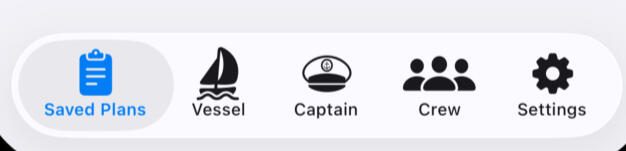
- Saved Plans lists your float plans and starts new ones.
- Vessels holds your boats — as many as you like. One can be the default; if none is, you pick the boat when you start a plan.
- Captain holds your own details.
- Crew holds your crew and passengers. Mark regulars as defaults and they're added to every new plan.
- Settings keeps a default departure place, the usual number of people aboard, and a default body of water. Dark mode is here too.
Starting a plan
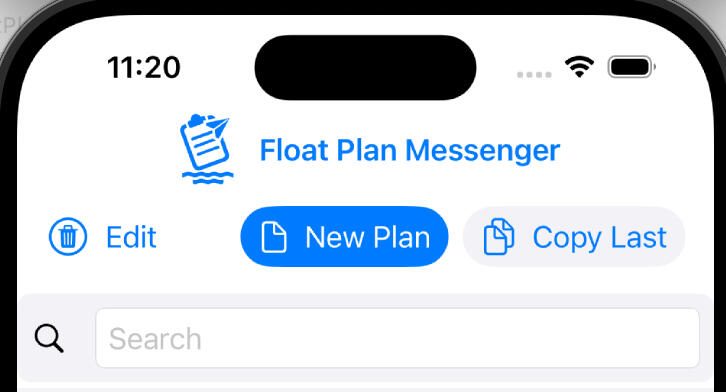
New Plan (the blue button) starts an empty plan. Copy Last (grey) starts a new plan from your last one. Tapping the app's logo brings you back to this screen.
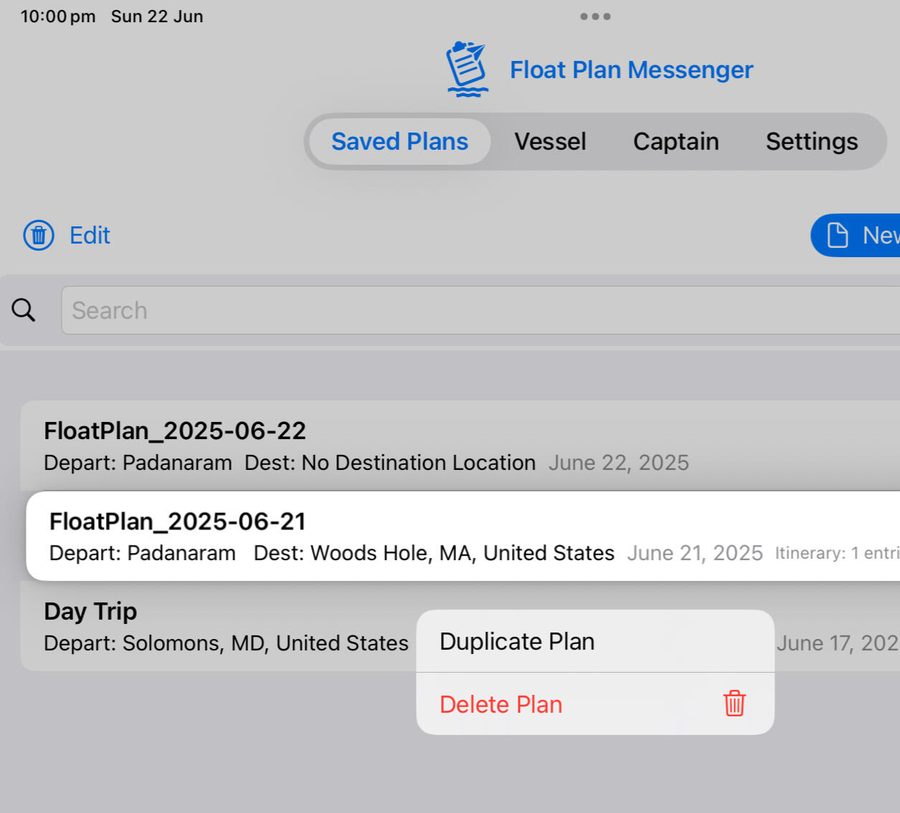
Touch and hold a saved plan (or right-click on a Mac) to duplicate or delete it.
The plan's toolbar
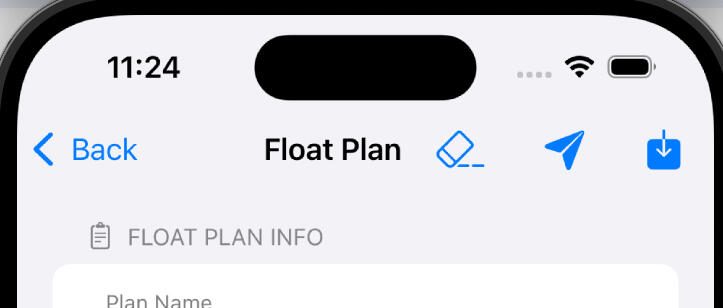
From left to right: go back; clear the form; save and send the float plan; save it without sending. The app checks the basics — a departure and arrival place, and an arrival after the departure — before it sends.
Places and positions
A place can be anything that will mean something to the person you send the plan to: a marina, an anchorage, a town.
If you like, search Apple Maps for the place and pick it from the list to add its latitude and longitude, and see it on a map. Places you've used before — your home port, earlier departures and arrivals — are offered in a drop-down list.
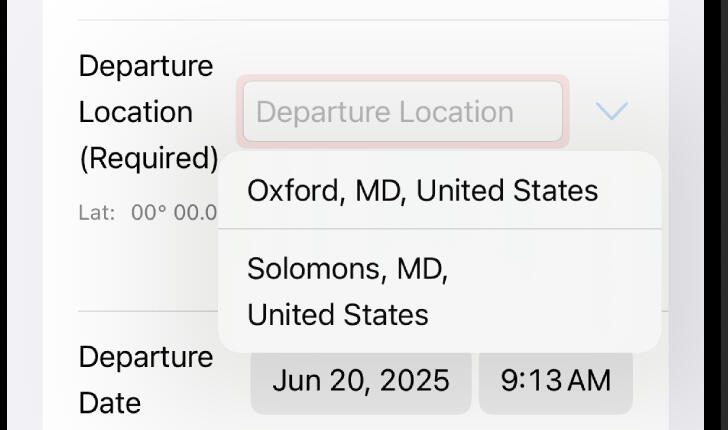
Area of operation is optional and can be anything; its drop-down list suggests common bodies of water.
Sending
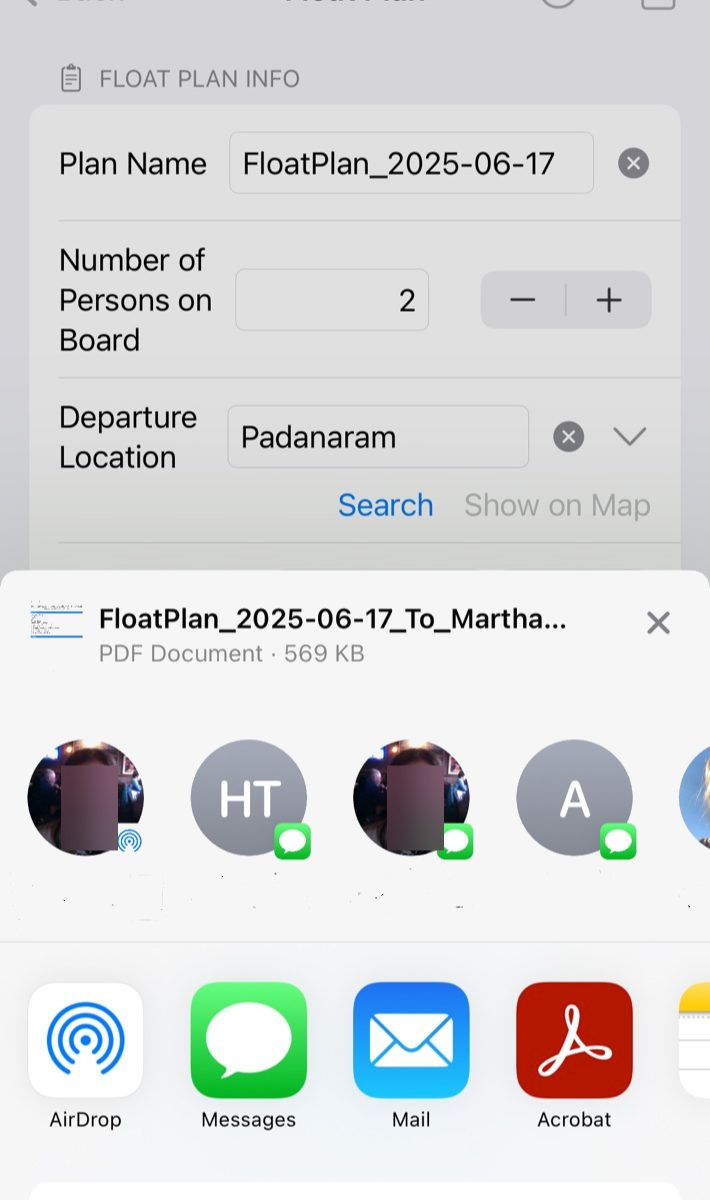
Tap Send and choose Messages, Mail or AirDrop. The person you send it to gets a PDF with everything you entered, ready to forward to whoever needs it.
The Arrived button at the top of the screen opens Messages or Mail with "Arrived!" ready to send, so you can tell them you're in.
Questions
- Does the app tell the Coast Guard about my trip?
- No. Float Plan Messenger doesn't contact the Coast Guard and doesn't track your boat. It makes sure someone ashore has your plan; if you're overdue, they raise the alarm. The Coast Guard doesn't accept float plans — leave yours with someone you trust.
- What should the person ashore do if I'm late?
- First try to reach you and anyone else aboard. If they can't, and you're past the time you agreed, they call for help with your plan in hand: in the US, 911 or the nearest Coast Guard station; in the UK, 999 — ask for the Coastguard. Agree that time with them before you go, and always tell them when you're back.
- Where is my information kept?
- On your device, and in your own iCloud account if you use iCloud. We never see it. See the privacy policy.
- Dark mode?
- Switch it on in Settings for easier use at night.